
Sorting in the app
The Sorting workspace runs the installed sorters on the active view, or on a part of it, and shows what they found, channel by channel.
| Area | What it holds |
|---|---|
| Left | The sorter, the part of the recording (start, duration), the probe, the view’s runs |
| Right | The sorter’s parameters, each with its default shown; typed values replace it |
| Centre | The units of the selected channel as cards (waveform mean ± sd, ISI, spikes), their clusters (PC1 · PC2), and the channel table |
| Bottom | The channel’s traces or a raster over the shared timeline |
A first sort
Section titled “A first sort”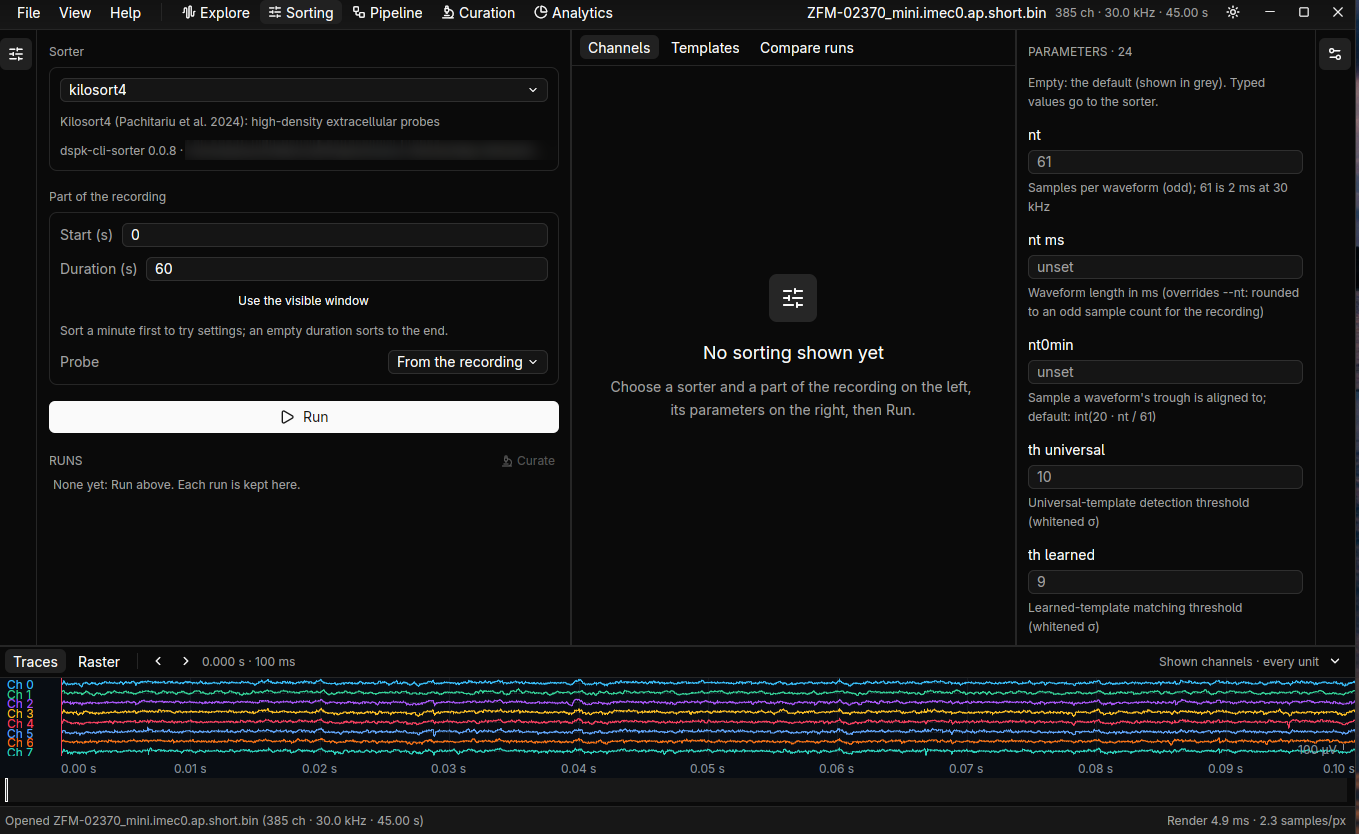
- Open a recording, and pick the view to sort.
- Choose a sorter and a short part of the recording, such as 30 seconds.
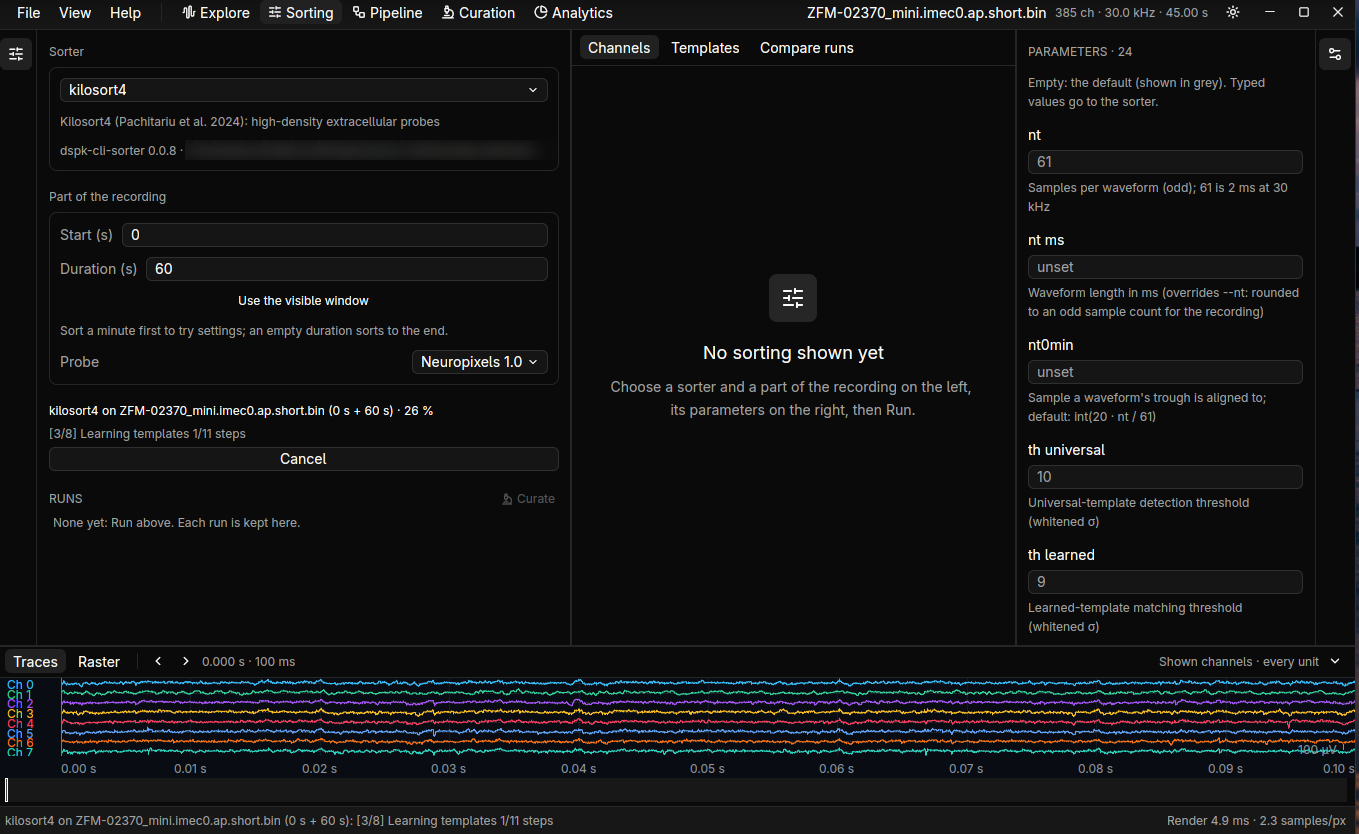
- Run. Progress shows like the app’s other jobs.
- Click a run to show it everywhere. Compare two runs side by side: units, spikes, labels and matched units.
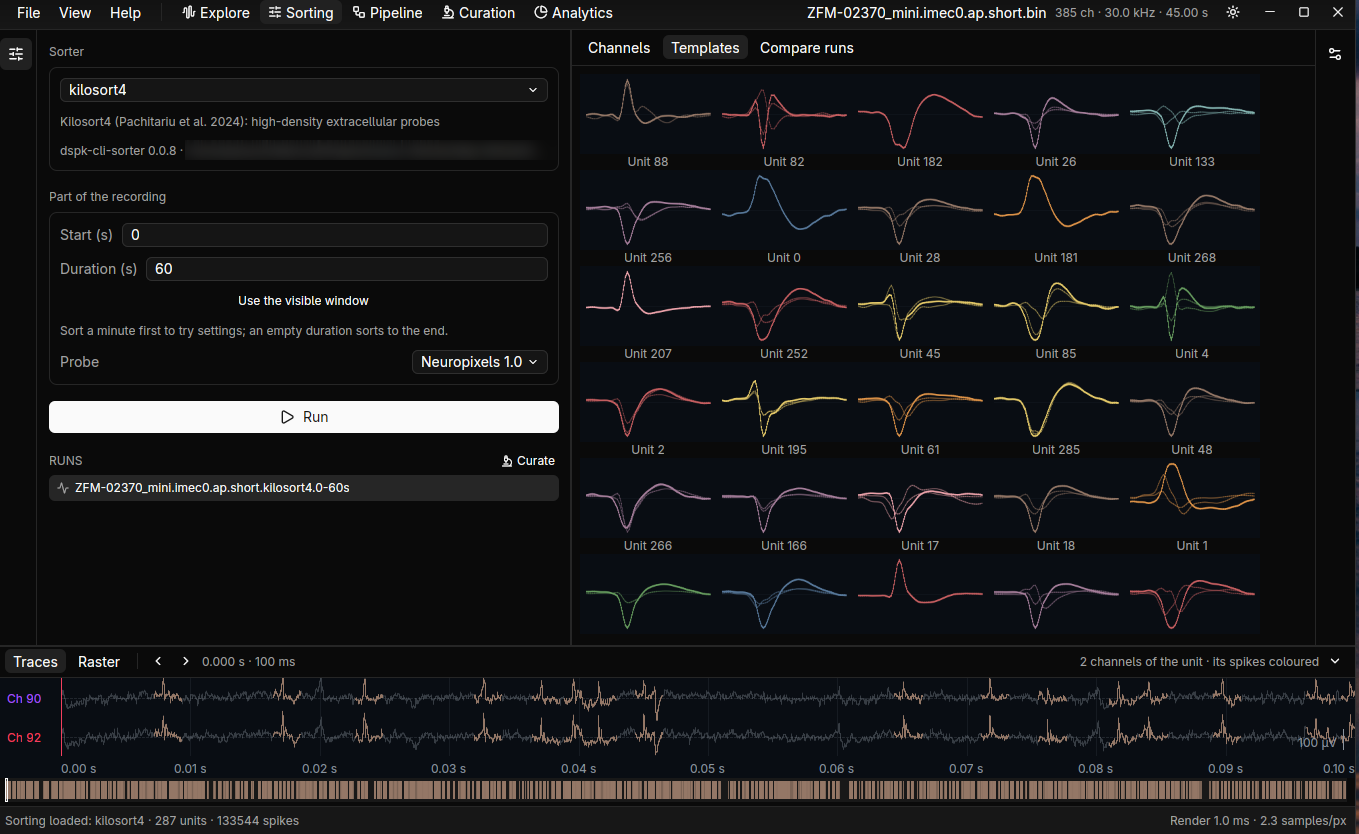
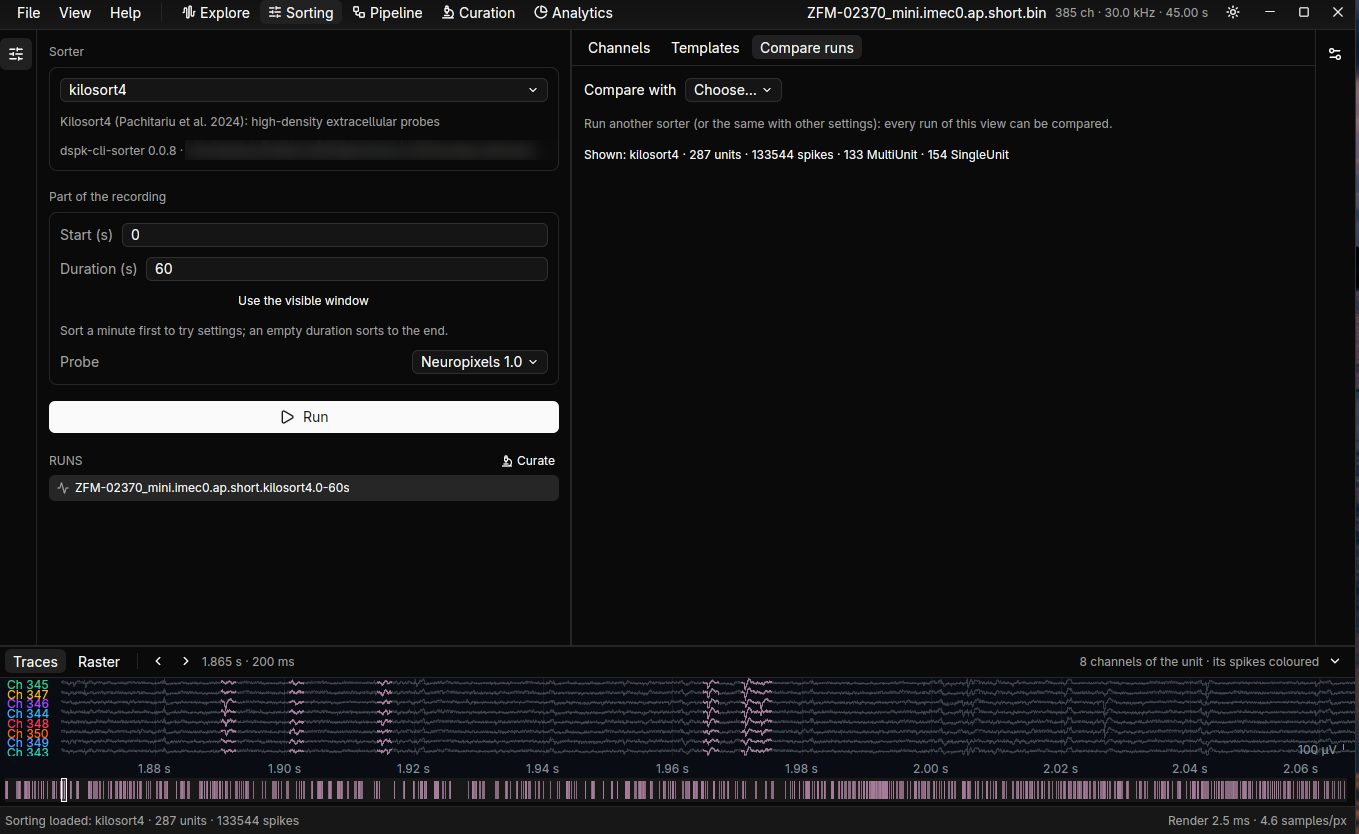
The sorting is linked to the view and saved as a .sorting.zarr.
To sort on a server, open the recording from it (Settings and servers). The run happens there.
Judging and editing units is the Curation workspace’s.