
Settings and servers
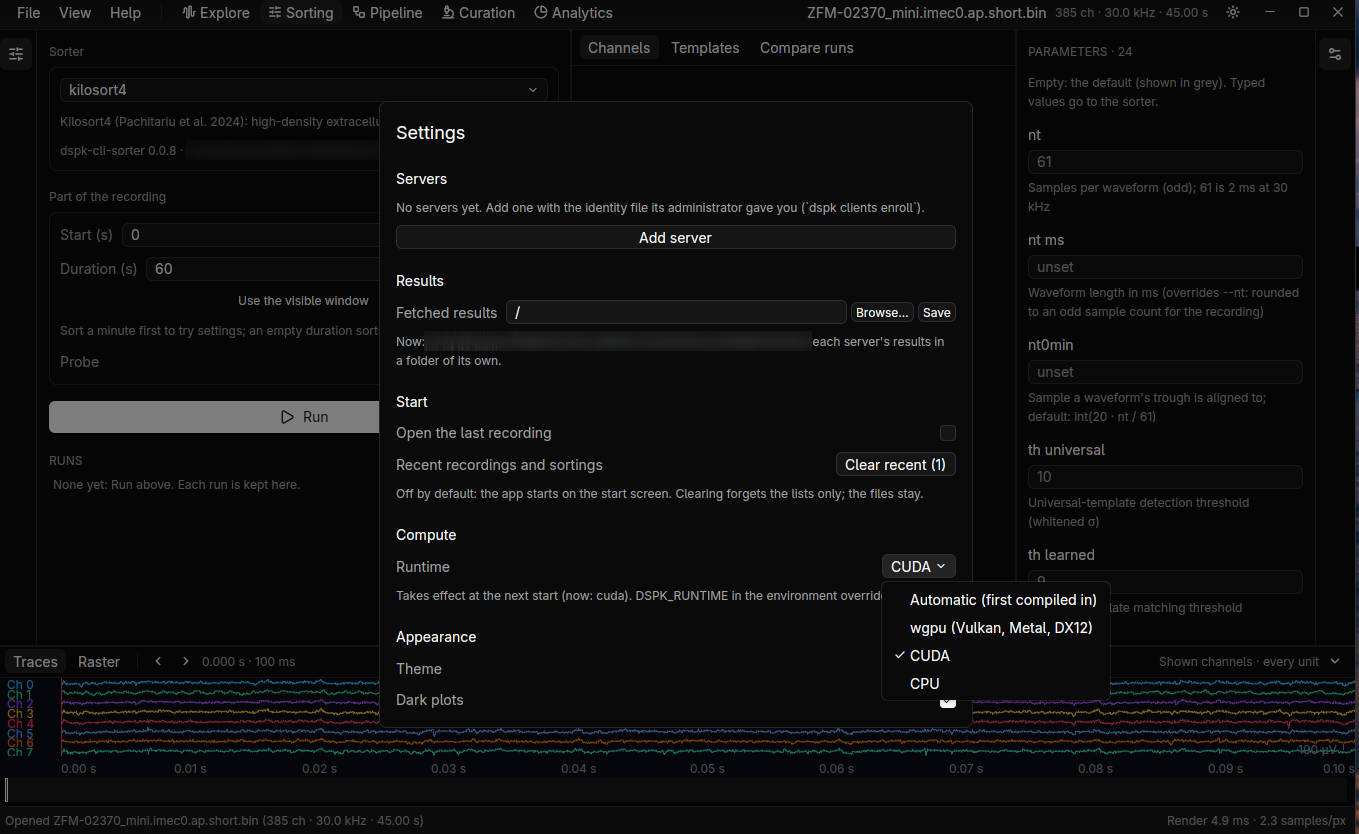
File → Settings… (Ctrl+,). Every value shows its default.
| Setting | What it does |
|---|---|
| Servers | Add, edit, remove and test the servers the app works with |
| Results folder | Where results fetched from a server go |
| Compute runtime | Which runtime the app uses |
| Theme | Light or dark, or follow the system. View also has “Dark plots in the light theme” |
Add a server
Section titled “Add a server”You need a running server and an identity file for this client.
- In Settings, Add server: a name, its address (
192.168.1.20:50051), the name on its certificate and your identity file. - Test connects and reports what it finds.
Open from a server
Section titled “Open from a server”File → Open from server… picks a server and walks its data root. Open a recording to view it in Explore (read on the server), or fetch a file or folder, such as a sorting, into the results folder.
A remote recording behaves like a local one. A sort started on it runs on the server, and its progress shows like the app’s other jobs.