
App
dspk-app is a desktop workbench for long multi-channel recordings. It draws hours of signal from
pyramids, and previews processing live on your GPU.
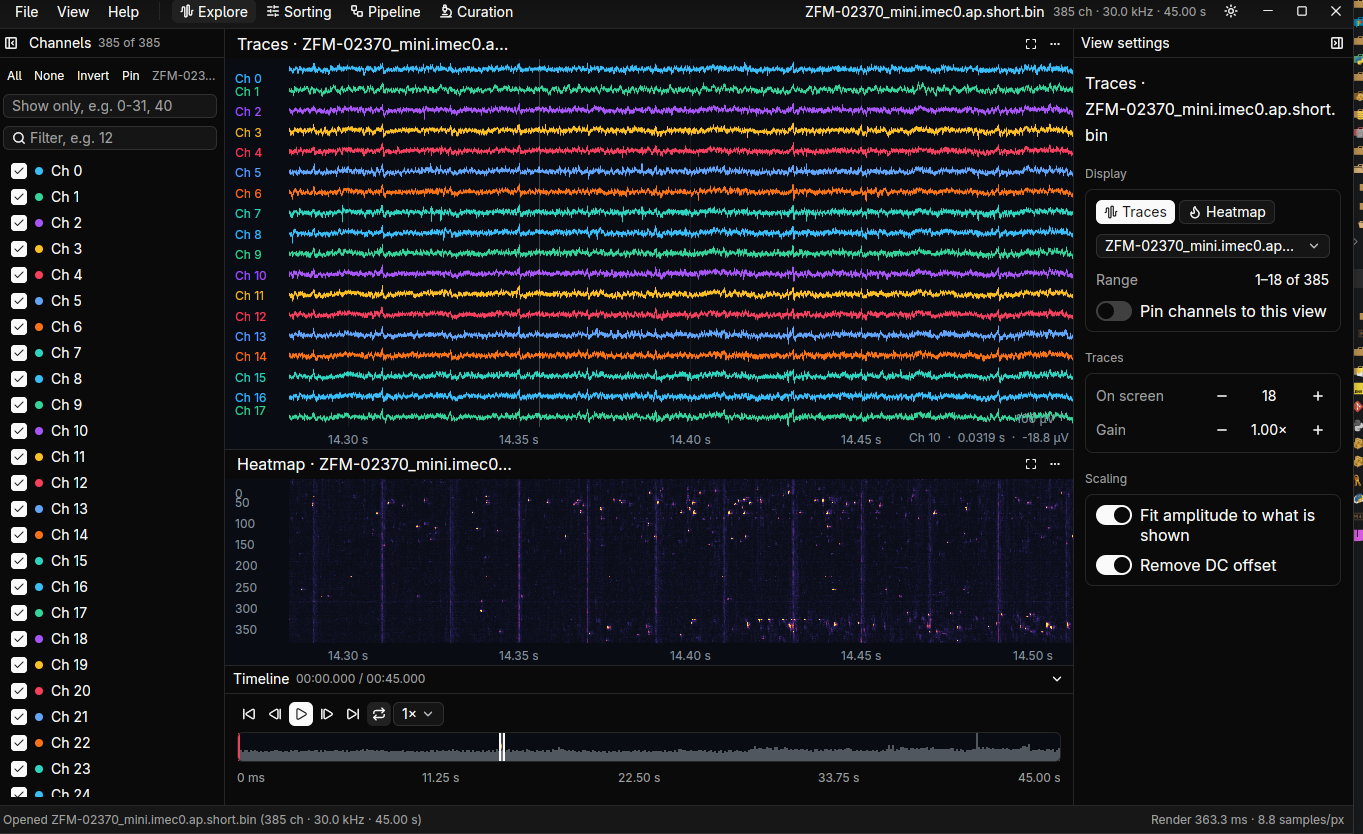
Install it with cargo install dspk-app (Linux needs a few system libraries).
Workspaces
Section titled “Workspaces”The tabs along the top are workspaces. They share one session and one timeline.
| Workspace | What it’s for |
|---|---|
| Explore | Look at the recording: traces, heatmaps, channels, timeline |
| Pipeline | The processing graph: recordings, operations, views and writes on a canvas |
| Sorting | Run the installed sorters and compare their units (Synapse plugin) |
| Curation | Judge a sorting: label, merge, split (Synapse plugin) |
| Analytics | Charts across recordings and runs; still to be built |
Start here
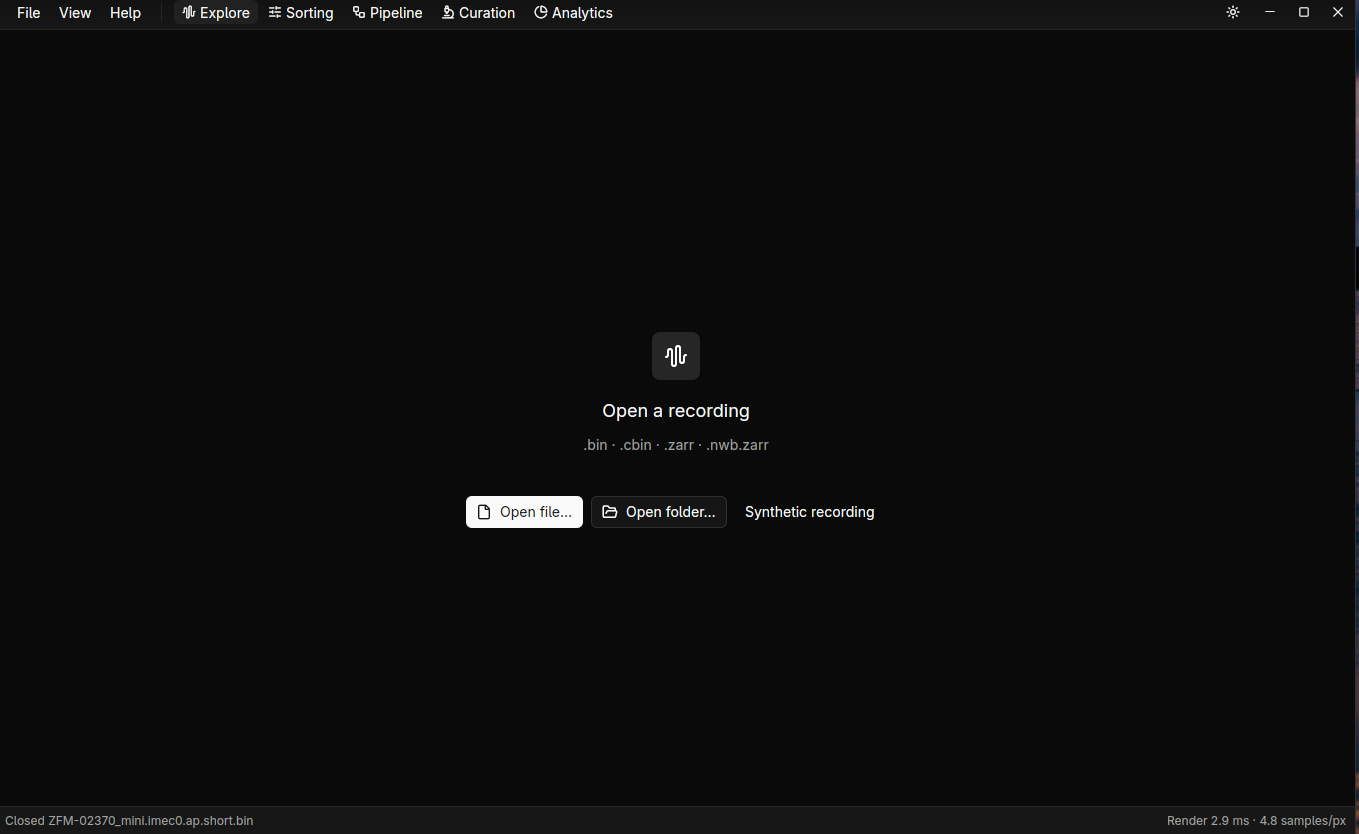
Section titled “Start here”- File → Open file… (Ctrl+O) for a
.binor.cbin, Open folder… (Ctrl+Shift+O) for a Zarr store, or Synthetic recording to try it with no data. - Follow Filter and inspect a recording.
Press F1 at any time for the keyboard and mouse list, and Ctrl+K for the command palette: any action, view, operation or recipe by name.