

App
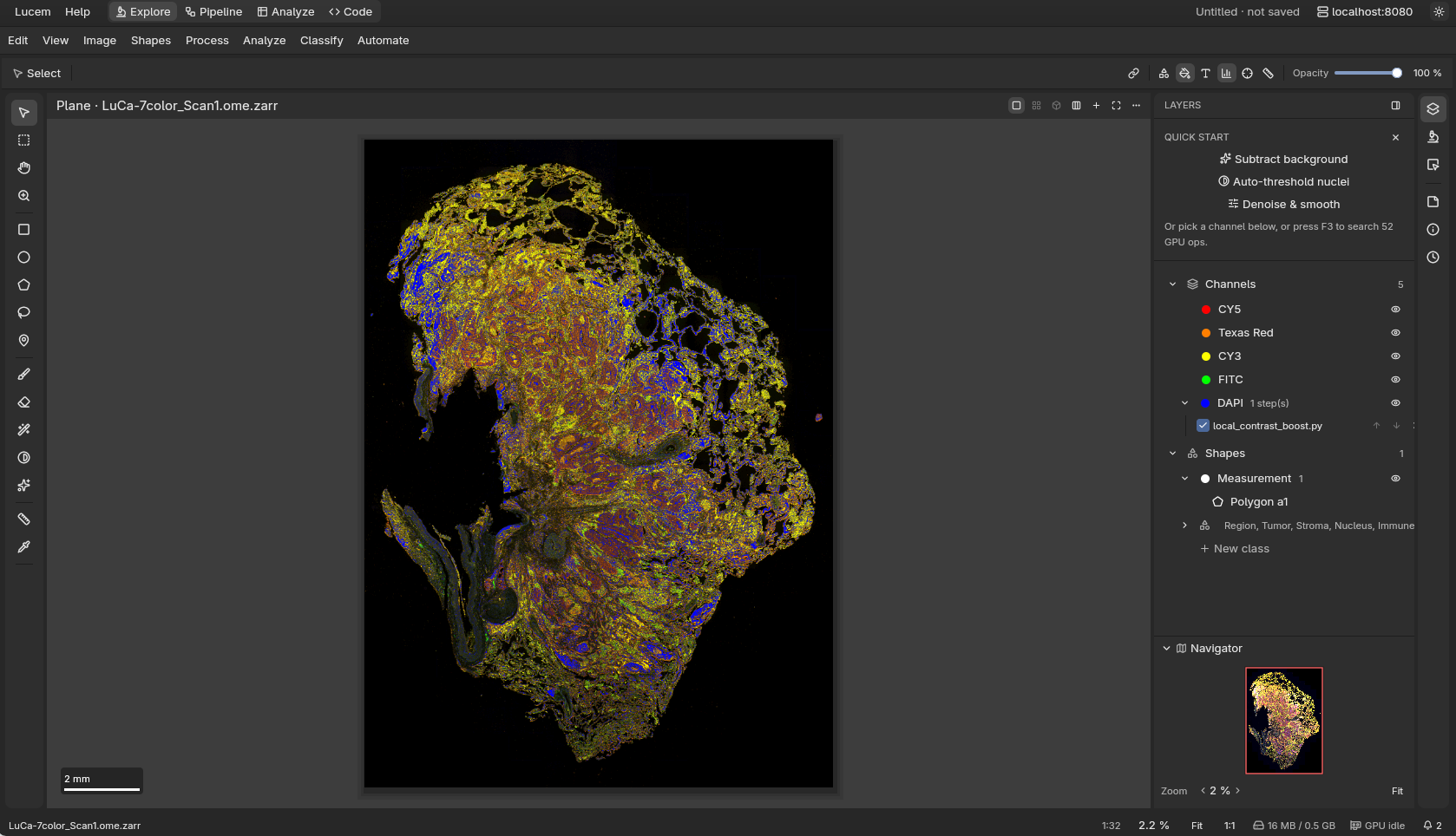
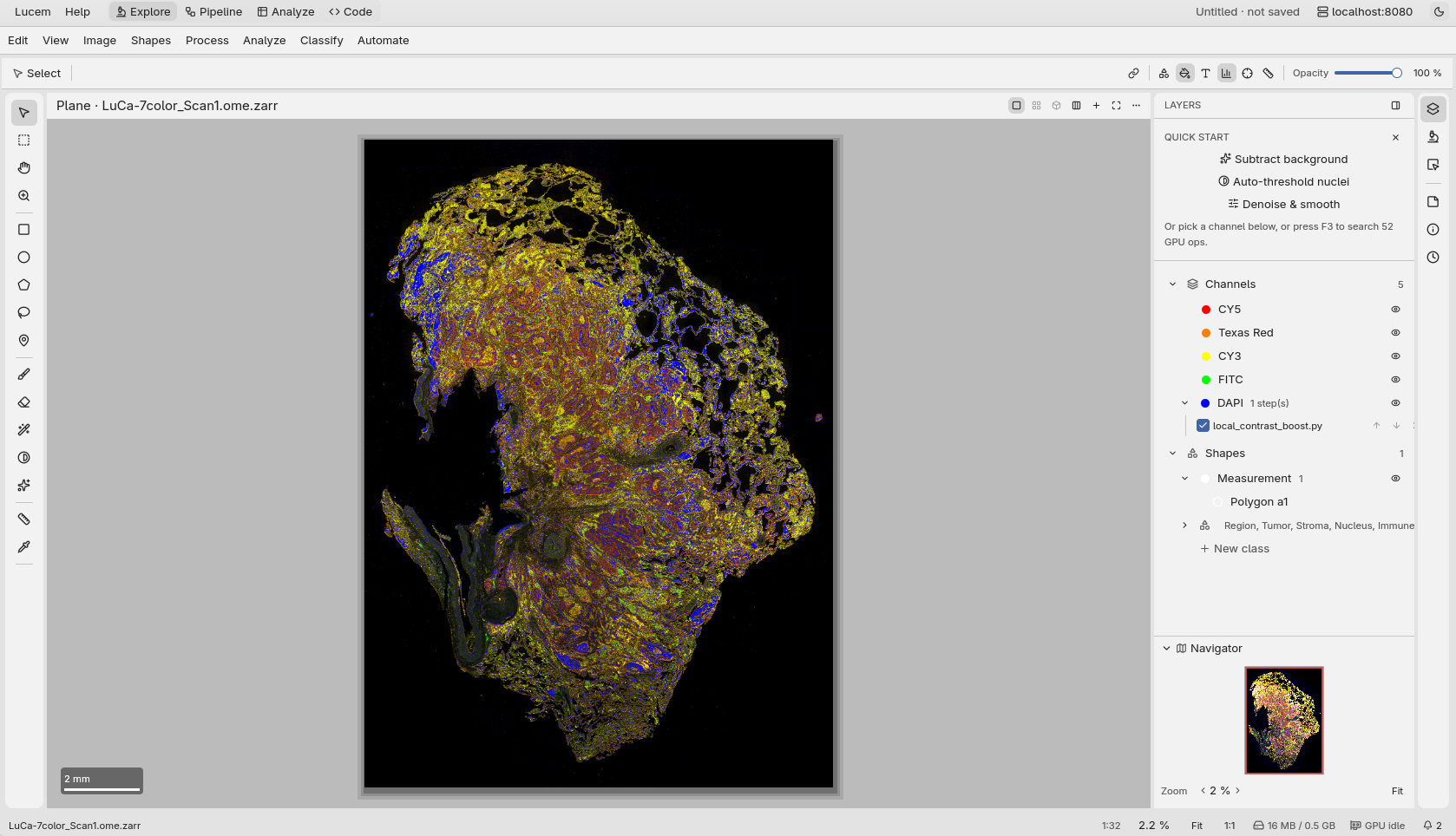
lucem-app is a workstation for large microscopy images. It draws whole slides and volumes from
their pyramids and runs processing on your GPU as you change it.
Workspaces
Section titled “Workspaces”The workspaces sit at the top left, after the Lucem and Help menus. Each has its own menu row under the title bar.
| Workspace | What it’s for | Keys |
|---|---|---|
| Explore | Look at images, draw and edit shapes, run histology | Ctrl+1 |
| Pipeline | The processing graph on a canvas | Ctrl+2 |
| Analyze | Tables and plots of what was measured | Ctrl+3 |
Finding things
Section titled “Finding things”Ctrl+K opens the search: every command, tool and operation by name, with what it does. ↑ ↓ move, Enter runs, Esc closes. Process → Find an operation… lists the operations only.
What runs in the background
Section titled “What runs in the background”Long steps (finding cells, a model, an export) run in the background. The status bar shows each one with how far it is; the Histology panel’s Cancel stops a step after its current tile. Only one step that drives the GPU runs at a time.
See also Keyboard and mouse.